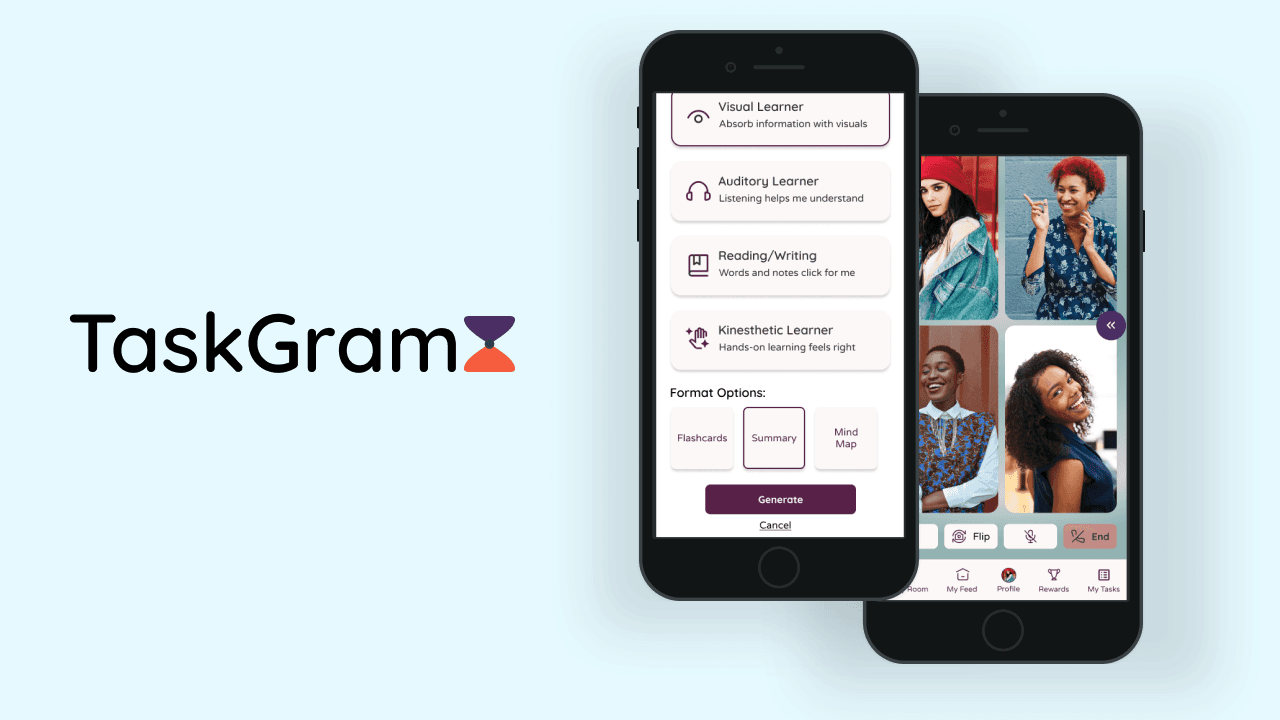
TaskGram
At-a-Glance
Problem
High school students with ADD/ADHD struggle with managing homework and projects due to difficulties with focus, time management, and organization. This often leads to procrastination, missed deadlines, and poor academic performance, resulting in heightened stress, anxiety, and a decline in self-esteem.
Solution
Teens are motivated to return to apps like Instagram and TikTok due to the engaging, social aspects of sharing content. As the sole UX designer on this project, my goal was to introduce similar features for sharing academic progress. In addition, AI is on the rise and with the birth of Chat GPT back in November 2023, students are now utilizing it more then ever in and out of school to make their lives easier.
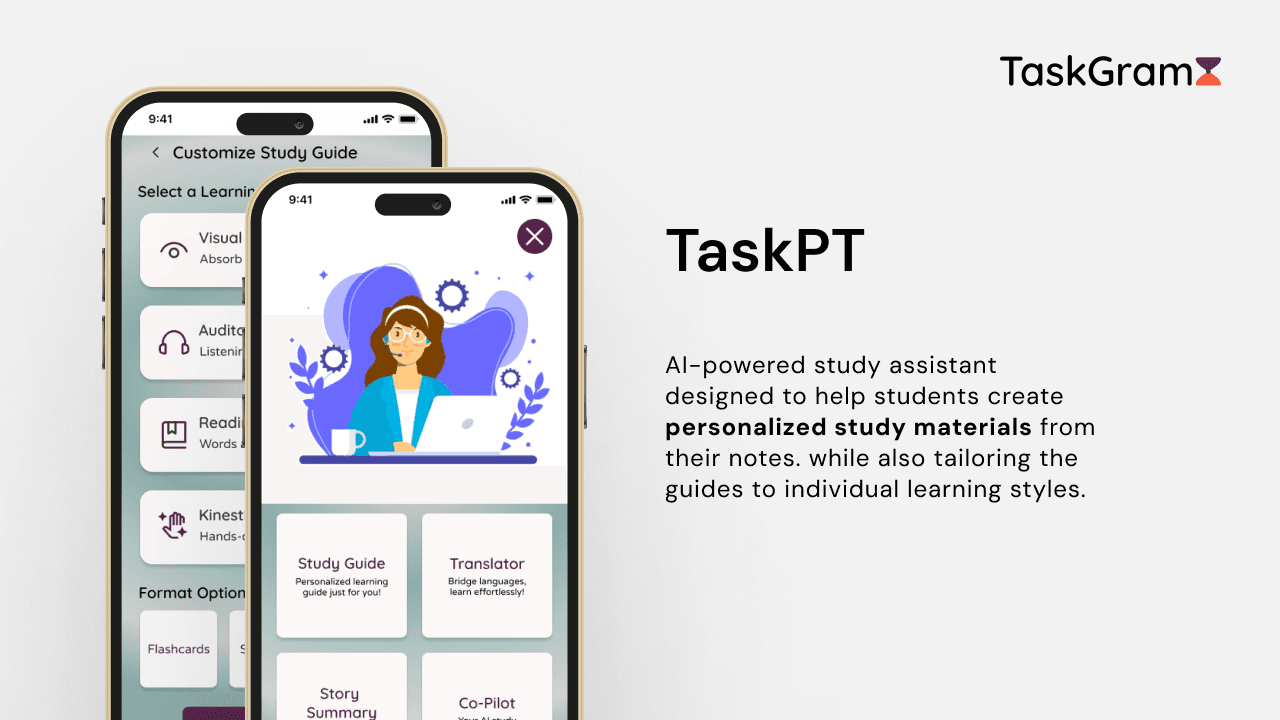


Process
After gaining a deeper understanding of students' needs through secondary research, user personas, and one-on-one interviews with four teens, we developed an end-to-end application design that prioritized accessibility while maintaining a modern and playful aesthetic. The design emphasized clarity of information while carefully balancing content to avoid overwhelming our audience. The process began with sketches, progressed to mid-fidelity wireframes, and culminated in high-fidelity prototypes. Through moderated testing, we gathered valuable feedback, which was then used to iterate and improve the designs, always keeping students' unique needs at the forefront of our process.
User Research
Following the competitive analysis and secondary research, I created a user persona to coincide with the needs of ADD students. Samantha’s needs and pain points would serve as a guide while designing Taskgram.

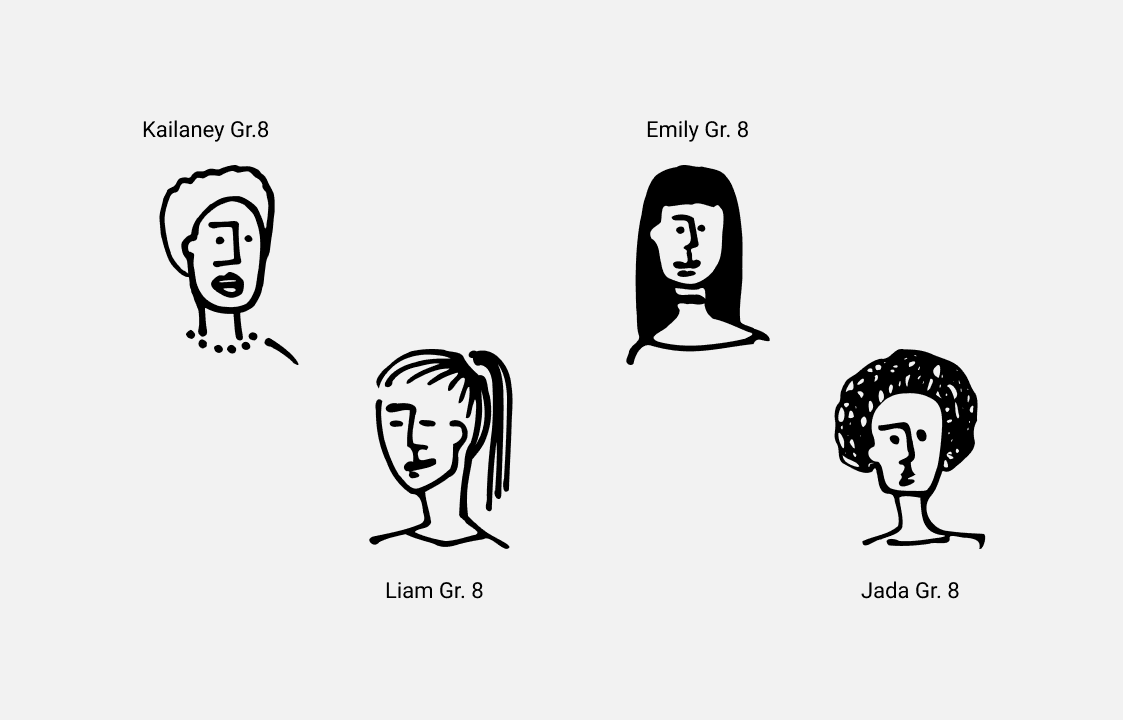
My next step was to meet with four middle school students from the New York City public school system. Two of the students were neurotypical and two were neurodivergent with ADD. I was able to have a one-on-one conversation about their organizational skills as well as how they interact socially on a day to day.
Based on the research findings, there are three themes I chose to focus on moving forward:
Digital vs Paper Organizational Tools
Educational Apps Lack of Enagement
Social Media and Study Focus Intergration

Sitemap
Using the user interviews, competitive analysis, and the user persona, I was able to configure the focus areas and guiding principles of the application. A product sitemap helped me to prioritize the features that were needed for the MVP.

Sketches
I’d like to preface that all designers get their inspiration from somewhere or someone. Like Pablo Picasso once said, "Good artists copy; great artists steal.” I began my journey on our beloved digital inspo resources and got to work on some lo-fidelity sketches.

Wireframes - Mid to High Fidelity
At this point of mid-fidelity screens, I used AI to help me conceptualize my sketches and also help me with information hierarchy.
✨ Sidebar: This is one of my favorite parts of the UX design process: seeing the progress and evolution of wireframes from sketches to the final result!

Thus, the first iteration of Taskgram was born. This demonstrated the user flow of TaskPT onboarding followed by the customization of a study guide in order to use the same generated study guide in a group call with friends. The user would then post their points on their feed with a visual and usability resemblance of Instagram!

Testing
The goal was to facilitate testing with the audience we are designing for: High school students with ADD/ADHD. measure the clarity of the user flow, the perceived visual clarity the overall misclick rate.
Success Metrics
Completion of tasks - 80%/100%
Information Density and Ease of Navigation - 7/10
Severity and frequency of errors (via misclick rate/avg duration) - 30%/100%

Upon receiving feedback from 5 users ranging from teens with disabilities to other UX peers, I received a lot of useful feedback to iterate my designs. I made 7 small iterations, listed below:
Enhanced Contrast Accessibility: Implemented darker gradient for better visual contrast
Improved Task Notification Clarity: Added bell icon to upcoming tasks card // Differentiated action indicator from selection outline
Optimized Onboarding Experience: Increased carousel size to reduce information overload
Clarified AI Feature Descriptions: Added subtext captions explaining each TaskPT AI feature
Refined Study Guide Customization Page: Provided more accessible contrast level // Added descriptions to learner profiles
Established CTA Hierarchy: Created primary and secondary action levels // Prioritized studying CTA over save/share options
Enhanced Group Study Functionality: Implemented slide feature to access generated study guide during group calls
Design Iterations 🔁

What I Learned 🌱
The key takeaway from this project was learning how to prioritize user feedback. While every suggestion was helpful, we realized we couldn't act on them all. Our challenge was to figure out which changes would really make the app better for students with ADHD, and which aligned with what we were trying to achieve with TaskPT.
We focused on making the app easier to see and use, simplifying the signup process, and making it clear what users should do next. For example, we improved the colors to make the app more accessible for everyone. We also made the signup process smoother to avoid overwhelming users. Some suggestions, like letting people customize the look of the app, didn't quite fit with our goals, so we didn't pursue them this time.